Contract work
Templates and clause library
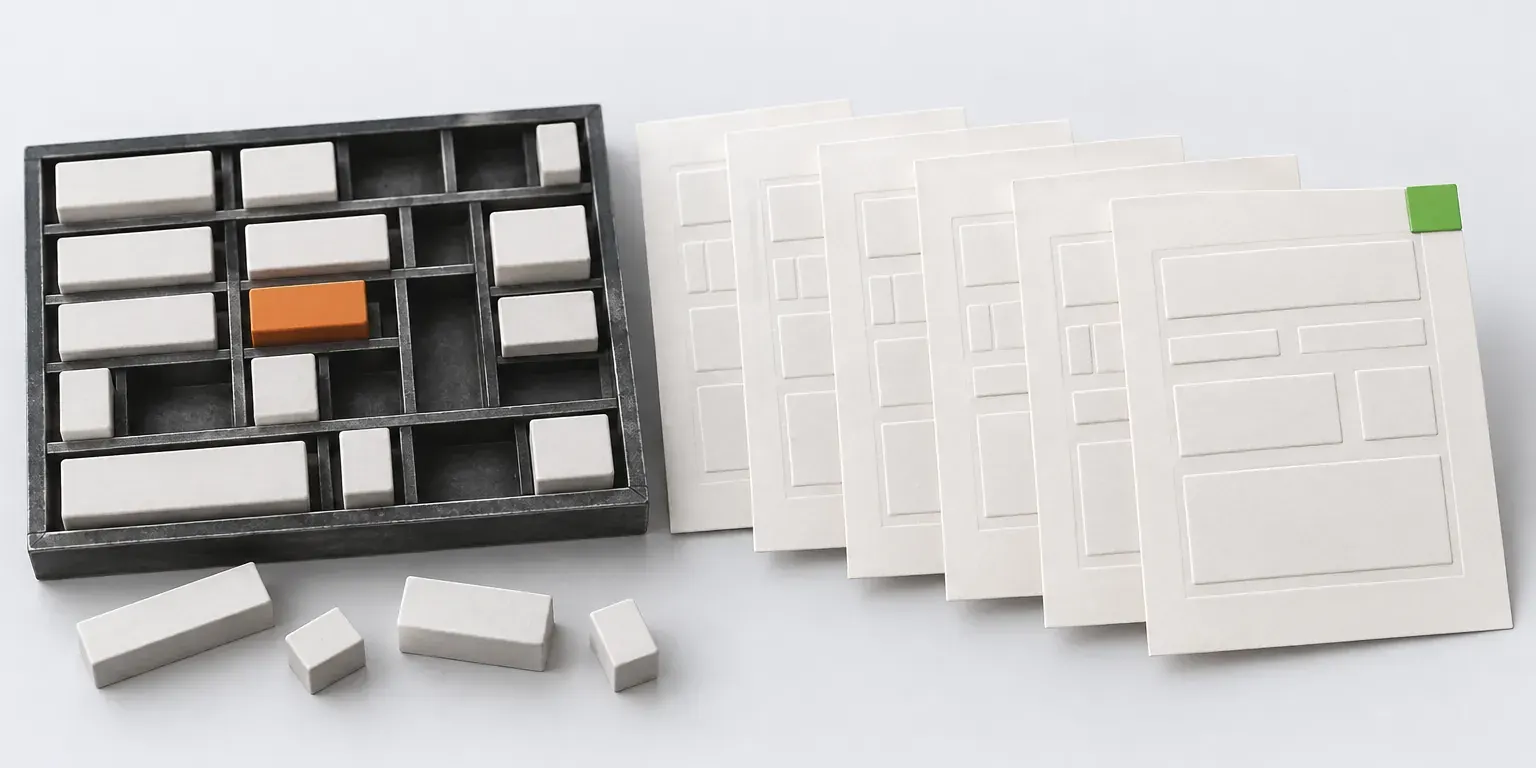
A contract is built from a template and the card data: party details, amount and number are filled in automatically, and the right terms are included based on field values.
Where available:Base subscription
What’s inside
- A template is created in the editor or uploaded as a Word file. A published version does not change, and edits come out as a new version.
- Eleven variable types, including our details, counterparty details, document number and a clause from the library.
- A variable is filled from the card data, for example from the contract amount.
- Conditional blocks include or remove text based on field values, with nine comparison operators.
- A bilingual document in two columns or one after the other.
- A clause library in nine categories, including force majeure, anti-corruption and personal data, with jurisdiction and a legal reference.
FAQ
Can we use our own Word templates?
Yes. A template is uploaded as a Word file, and variables are marked up in the text. A contract refers to the template version it was created from.
Can we edit a system clause?
System clauses cannot be edited, so that their updates reach all customers. You copy a clause to your own library and edit the copy.
Scenarios where it works
Other features
Shall we bring order to your department’s deadlines?
Sign in through A3.ID and add your first contracts today, or discuss implementation: registry migration, deadline rules and approval routes.